
Your SankeyMATIC text, upgraded
SankeyMATIC is a great way to make a quick static Sankey. OpenSankey reads the exact same
source [value] target syntax, colors, node settings and layout included, and
gives you an interactive diagram you can keep editing.
| SankeyMATIC | OpenSankey | |
|---|---|---|
| Price | Free | Free (open source) |
| Input | Text: source [value] target | Same text syntax, plus Excel, CSV, drag-and-drop editing |
| Output | Static PNG / SVG | Interactive diagram + PNG / SVG export |
| Edit after creation | Re-generate from text | Direct manipulation: drag nodes, style flows, undo |
| Hierarchy & drill-down | None | Aggregate / expand node groups (Plus) |
| Years & scenarios | One diagram per version | Data tags: one diagram, many datasets (Plus) |
| Embed on your site | Static image | Hosted interactive viewer, iframe embed (Plus) |
Node hierarchies, data tags, interactive publishing and the material flow analysis engine belong to the paid plans: see pricing.
Who SankeyMATIC is for
Everyone, and that is its strength: a free web generator, no account and no file,
developed by Steve Bogart. You type Wages [1500] Budget and you have a
Sankey. It is the tool of the first diagram, the blog post, the personal budget chart, the
figure you have to produce tonight.
What we learned from SankeyMATIC
The text format is a good idea in itself: it reads back, it diffs from one version to the next, it pastes into a ticket or a code review, and it depends on no installed software. You are productive immediately, with no menus to explore. We took the lesson seriously enough to port its layout engine, phantom nodes and all, so that a diagram imported from SankeyMATIC still looks like the one you left behind.
What we chose to do differently
In SankeyMATIC, the text is the diagram. All the elegance of the tool comes from that, and so do all of its limits. A line carries a value: there is no room to say "this value is unknown", "that one is known to within 10%" or "this flow is a third of that one". So your numbers must be complete and consistent before you write the first line: the generator computes nothing, it pictures what you give it.
In the same way, a line carries a single value: a second year or a second scenario means a second text and a second diagram. And the output is an image: it does not expand, it does not filter, it does not respond to hovering.
What we added
The same starting point, and a sequel. Your text opens here unchanged; then you can move and style with the mouse, cross several datasets on the same flows, collapse a group of nodes to present the overview and expand it for the detail, round-trip through an Excel workbook, and publish an interactive diagram shared by URL. And when your numbers are incomplete (which is the rule as soon as a study covers a real territory or a real supply chain), a material flow analysis engine computes the missing values from the balance of each node and the constraints you do know. See how, on a concrete example →
How the import works
Open the editor, switch the spreadsheet panel to text mode, and paste. We parse the full
SankeyMATIC dialect: flows, :Node #color lines, comments, and the settings
block. From there the diagram lives here: you edit it with the mouse, in the spreadsheet
or in Excel, and you save it in our open format.
When to stay on SankeyMATIC
For a quick sketch, a one-off figure, a diagram whose numbers are already settled: nothing beats typing three lines into a web page and downloading the image. If your production chain is a code repository where the diagram text is versioned alongside the rest, stay there too. Your text will open here the day the study outgrows what it can express.
Every SankeyMATIC sample, already in the editor
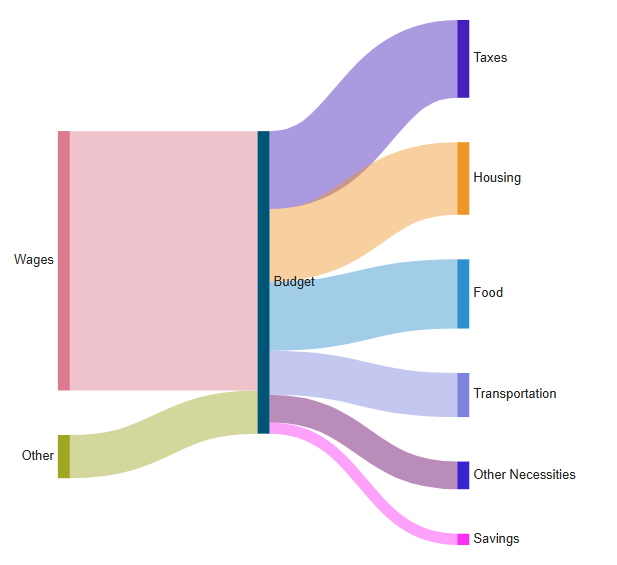
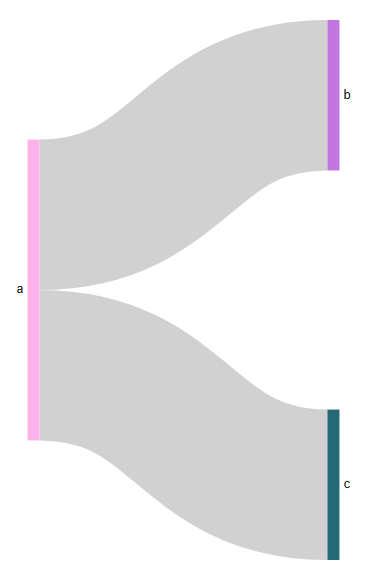
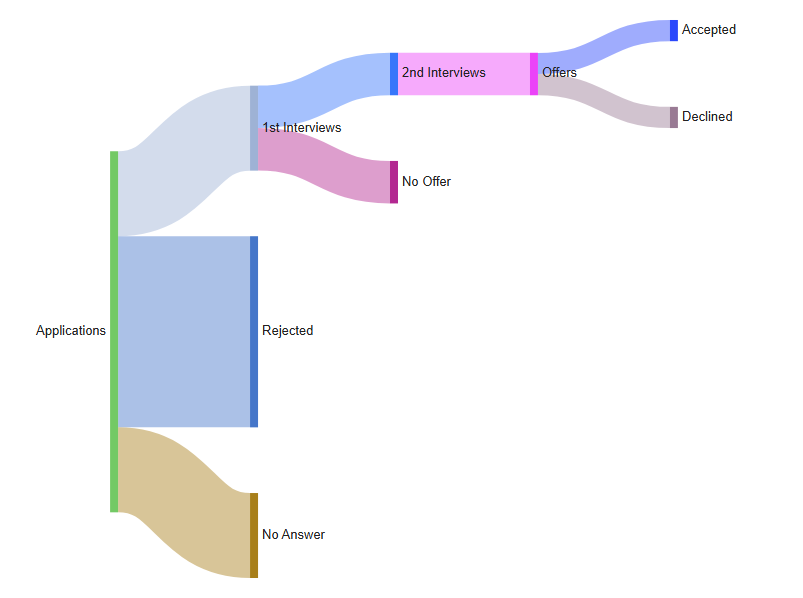
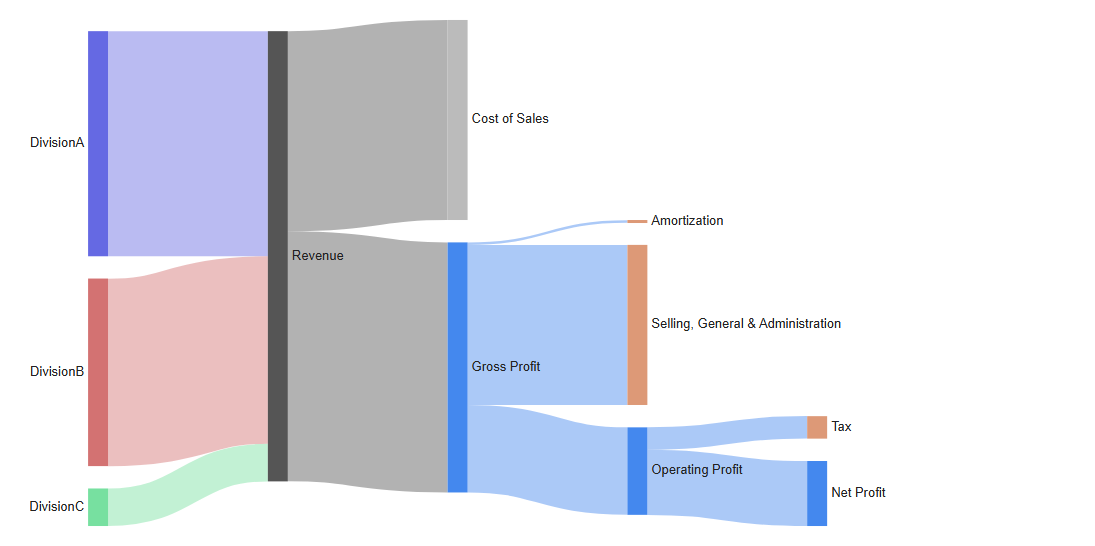
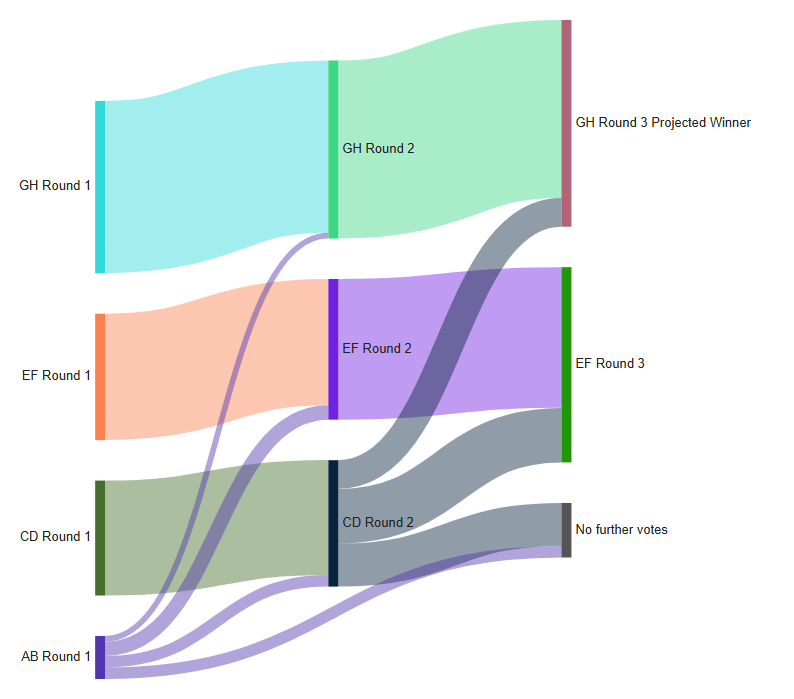
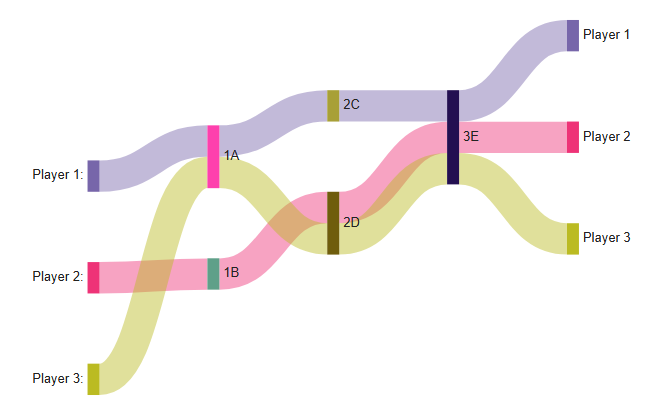
The six diagrams shipped with SankeyMATIC, parsed by our own port of its layout engine. Click one and it opens in the editor, no account needed.
Feature by feature: SankeyMATIC and OpenSankey
We ported SankeyMATIC's own layout engine, so the import equivalence is unusually strict: the same text produces the same picture. The verdicts below tell you what is identical, what exists in a different form, and what only one side has.
The text dialect
| Capability | SankeyMATIC | OpenSankey / MFASankey | Verdict |
|---|---|---|---|
| Flow lines | source [value] target, [*], chained flows | Full dialect parsed, plus plain 3-column text (tab, ; or ,) | Same |
| Node colors and settings | :Node #hex lines, suffixes | Parsed and applied | Same |
| Settings block | Layout, colors, labels, sizes… | All setting groups parsed and mapped | Same |
| Comments | // lines | Accepted | Same |
| Layout | Its automatic placement engine | The same engine, ported line by line (phantom nodes included), or our own auto-layout, your choice | Same |
| Text stays editable after import | The text is the diagram | Text mode in the editor: your diagram serializes back to SankeyMATIC-style text at any time | Same |
Beyond the text
| Capability | SankeyMATIC | OpenSankey / MFASankey | Verdict |
|---|---|---|---|
| Zero-friction start | Type text, see a Sankey: nothing else | An editor with menus: more powerful, necessarily less minimal | SankeyMATIC only |
| Direct manipulation | Drag node vertical positions | Drag anything, style anything, full undo/redo | Close |
| Excel & CSV | — | Structured workbook round-trip, embedded spreadsheet | OpenSankey only |
| Years, scenarios, dimensions | One diagram per version of the numbers | Data tags: one diagram, many datasets, switchable live | OpenSankey only |
| Hierarchy & drill-down | — | Aggregate and expand node groups | OpenSankey only |
| Balance checking & reconciliation | Flow totals per node | Constrained reconciliation with uncertainties (MFA engine) | OpenSankey only |
| Interactive publishing | Static PNG / SVG | Hosted interactive viewer, embeddable; plus PNG / SVG / PDF / GIF export | OpenSankey only |
File formats
| SankeyMATIC | OpenSankey / MFASankey | |
|---|---|---|
| Native format | Plain text (diffable, pasteable anywhere) | Versioned open JSON, plus a structured Excel workbook |
| Reads the other's files | No | Yes: the whole text dialect is parsed, layout included |
This is the friendliest possible migration: your .txt files open here as
they are, and your originals stay yours, untouched. The other way round, the import is
one-way: we do not export your diagram back to SankeyMATIC text. What you build here is
saved as open JSON and as an Excel workbook, both readable by any script.